
How to Convert MTN, Glo, Airtel, and 9mobile or T2 Mobile | Gosub.ng Airtime to Cash in less than 5 minutes in Nigeria
Last updated: 26th August 2026
Quick Answer: If you mistakenly recharged your phone number with an amount that you don't need or you have excess airtime and you want to convert it to physical cash and recover your money or you want to transfer airtime from your phone to your bank account, this service is for you.
What is Airtime to Cash?
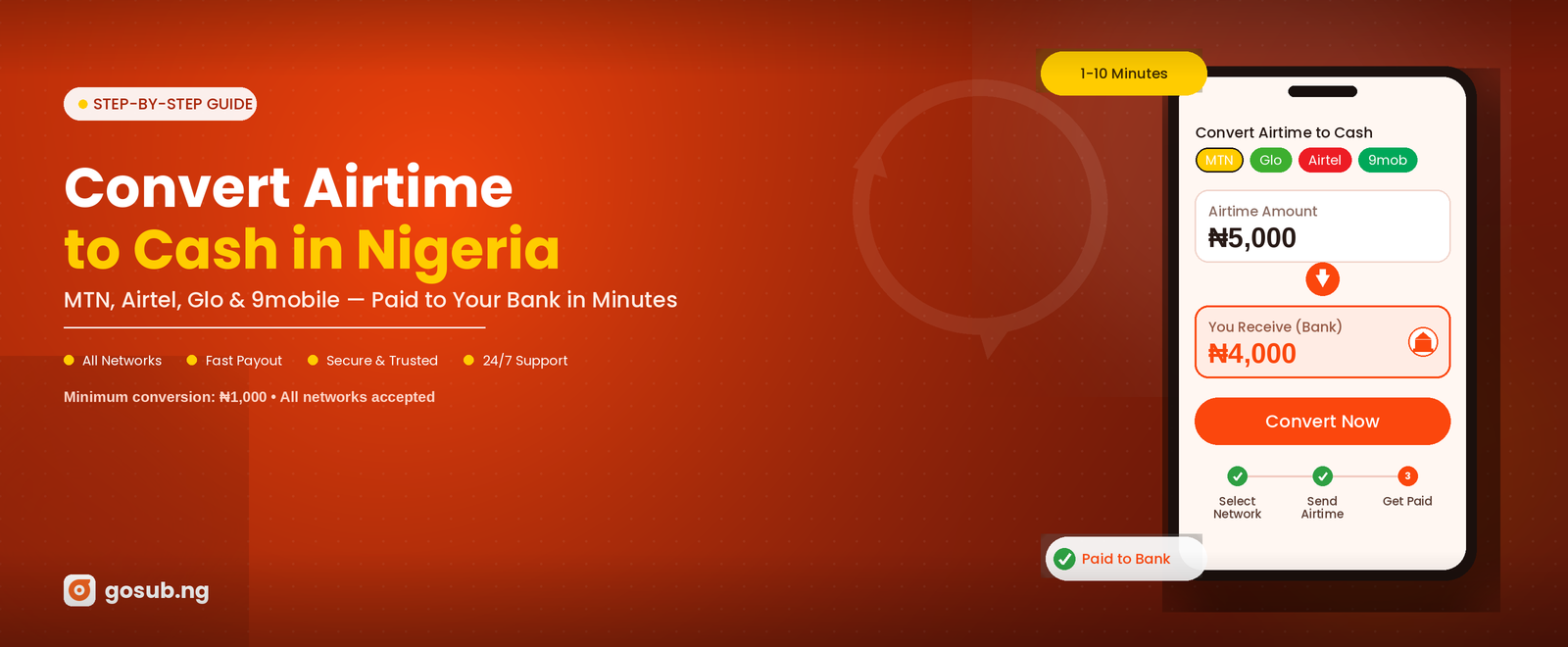
Gosub.ng airtime to cash service allows anyone to convert airtime or recharge card to cash or money in less than 5 minutes and get paid in your bank account with just a few clicks.
Step-by-Step Guide to Convert Airtime to Cash
Step 1: Visit Gosub.ng
Register on gosub.ng if you don't have an account or log in if you already have an account.
Step 2: Navigate to Airtime to Cash
Click on the Airtime menu, then click on the Airtime to Cash sub-menu.
🎥 Watch: How to Convert Airtime to Cash in Less than 5 Minutes
See a step-by-step walkthrough of how to transfer airtime and get paid instantly.
Can't watch? Open on YouTube
Ready to convert your airtime?
Step 3: Enter Your Phone Number
Input the phone number you want to convert airtime for, the system will automatically detect the network provider and provide a phone number for you to transfer the airtime.
Step 4: Transfer Airtime Manually
Transfer the airtime from your phone to the provided number using the transfer code for your network provider. You can find the transfer codes in the table below.
Step 5: Enter the Amount
Input the total amount of airtime you transferred from your phone. You can transfer the airtime multiple times if needed. Make sure to enter the correct total amount to avoid any issues with your transaction.
Step 6: Provide Bank Details
Enter your bank account details to receive the cash equivalent of your airtime.
Step 7: Review and Confirm
Double-check all the information you entered, including the phone number, amount, and bank details.
Step 8: Read and Accept Terms and Conditions
Make sure to read and understand the terms and conditions of the airtime to cash service. Accept the terms and conditions before proceeding to submit your request.
Step 9: Submit Your Request
Once you've filled out the form, click on the "Submit" button to send your request for processing.
Step 10: Receive Payment
Once the airtime transfer is confirmed, Gosub.ng will process your payment and deposit the equivalent cash into your bank account within minutes.
Need Help with Airtime Conversion?
💬 WhatsApp: Chat on WhatsApp
📲 Telegram: Chat on Telegram
📞 Call: 09064172909
Gosub.ng has a fast and reliable support system. Their team responds quickly and will guide you step-by-step until your transaction is completed successfully.
Our Buying Rate
When you send your airtime to us, we will pay you at the following rate:
| Network | Pay Rate |
|---|---|
| MTN | 83% |
| Glo | 70% |
| Airtel | 73% |
| 9mobile or T2 Mobile | Gosub.ng | 0% |
How to Transfer Airtime (Airtime Transfer Code)
| Network | Transfer | Change or Create PIN |
|---|---|---|
| MTN | *321*ReceiverPhoneNumber*Amount*PIN# | *321*1# Default PIN: 0000 Limit: ₦10,000 per transfer; ₦100,000 per day |
| Glo | *131*ReceiverPhoneNumber*Amount*PIN# | *132*OldPIN*NewPIN*NewPIN# Default PIN: 00000 Limit: ₦5,000 per transfer; ₦25,000 per day |
| Airtel | Dial *321# and follow prompts (select Transfer) | Dial *321# then follow prompts to change PIN Default PIN: 1234 Typical limits vary per plan |
| 9mobile or T2 Mobile | Gosub.ng | Dial *321# and follow prompts | *247*OldPIN*NewPIN# Default PIN: 0000 Limit: Varies (often up to ₦20,000 per transfer) |
FAQs — Airtime to Cash
How long does payment take?
Payments are usually processed within minutes after we confirm your airtime transfer. Typical processing time is 1-5 minutes depending on verification.
Are there fees for converting airtime?
Our pay rate already reflects conversion and platform fees. Check the "Rates & Pricing" table above for exact percentages per network.
Which networks do you support?
We support MTN, Glo, Airtel and 9mobile or T2 Mobile | Gosub.ng. See the Transfer Codes table for instructions and limits for each network.
What are the transfer limits?
Transfer limits depend on the network. If you hit a limit, split the amount across transfers or contact support for assistance.
How do I get paid?
Provide your bank details in the submission form. Once we confirm the airtime transfer, funds are sent to your bank account - usually within minutes.


Author: Emily O.
Technical Writer
